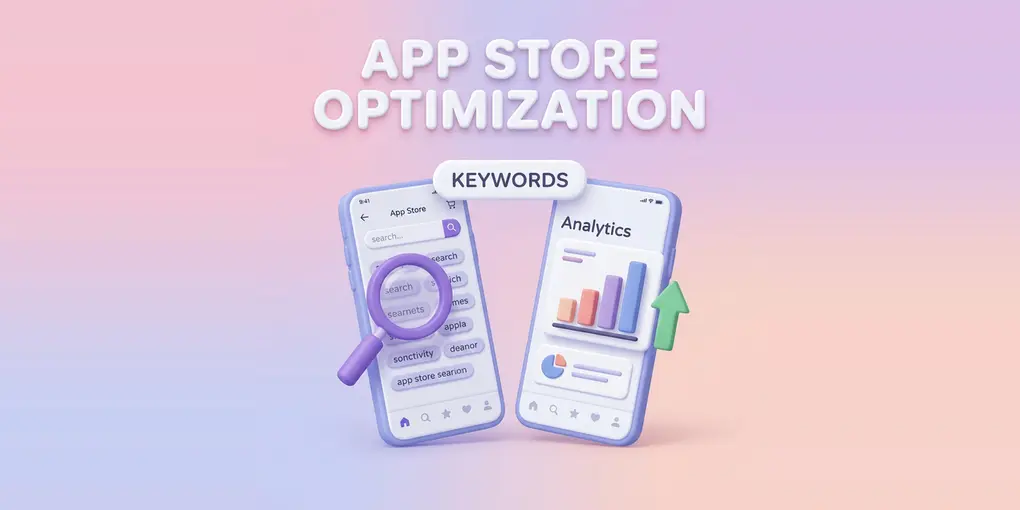
What is ASO? How App Screenshots Affect App Store Optimization
Publishing your mobile app to the App Store or Google Play is just the first step. With millions of apps available, getting discovered by potential users is an uphill battle. This is where App Store Optimization (ASO) comes in.
But what exactly is ASO? And more importantly, how do visual elements—specifically your app screenshots—affect your success? In this guide, we will break down the crucial role of screenshots in ASO, the challenges developers face when creating them, and how Nakxi can help you build high-converting app store visuals without the usual complexity.
📋 Table of Contents
- What is ASO?
- How ASO Affects App Growth
- How Screenshots Improve ASO
- App Store vs. Google Play: Key Differences
- Common Challenges and How to Solve Them
- Frequently Asked Questions
- Conclusion
📱 What is ASO (App Store Optimization)?
App Store Optimization is the process of improving an app’s visibility and conversion rate in app stores like Google Play and the Apple App Store.
In simple terms: ASO = SEO for mobile apps.
It focuses on three main pillars:
- Visibility: Ranking higher in search results.
- Conversion: Turning page views into actual downloads.
- Trust: Improving ratings, reviews, and branding.
According to industry research, around 65% of downloads come directly from search, making ASO critical for your app’s growth.
🔑 Key Elements of ASO
- Keywords: App title, subtitle, and description.
- App Icon & Branding: Making a strong first impression.
- Screenshots & Videos: Visual storytelling to drive conversions.
- Ratings & Reviews: Social proof from existing users.
- Downloads & Engagement: Metrics that signal app quality to the stores.
⚙️ How ASO Affects App Growth
A strong ASO strategy directly impacts your bottom line in several ways:
- 📈 Discoverability: Apps rank based on keywords, installs, and engagement. Better ASO leads to higher rankings.
- 💰 Cost Reduction: Every organic install you get reduces your overall Customer Acquisition Cost (CAC) and reliance on paid advertising.
- 🎯 Quality Users: ASO brings high-intent users who are actively searching for your solution, improving long-term retention and lifetime value (LTV).
- 🔄 Conversion Rate: Even if users find your app, they won’t download it without convincing visuals and messaging.
🖼️ How Better Screenshots Improve ASO
While text and keywords bring users to your product page, visuals are what make them stay and download.
Screenshots are arguably the most powerful ASO factor. Here is why they matter:
- Users decide quickly: Studies suggest the average user spends only a few seconds on a listing page before making a decision.
- Reading is rare: Most users don’t read full descriptions.
- Immediate impact: The first 2–3 screenshots get maximum attention in search results. Well-optimized screenshots have been shown to drive significant growth in downloads.
✅ What makes a high-converting screenshot?
- Clear Headlines: Benefit-focused text that is easy to read.
- Simple, Uncluttered Design: Focus on the core UI, avoiding distracting backgrounds.
- Strong Branding: Consistent color palettes and cohesive design.
- Feature Storytelling: Telling a logical story rather than just showing random screens.
- Localization: Tailoring the language and cultural elements for different markets.
Screenshots act as the “silent salespeople” of your app listing.
🆚 App Store vs. Google Play: Key Differences
Understanding where to focus your ASO efforts requires knowing how the two major platforms differ.
| Factor | Apple App Store | Google Play |
|---|---|---|
| Screenshot display | First 3 shown in search results | First screenshot/video shown prominently |
| Max screenshots | Up to 10 per device size | Up to 8 |
| Keyword field | Dedicated 100-character keyword field | No keyword field — keywords from description |
| A/B testing | Product Page Optimization (PPO) | Google Play Store Listing Experiments |
| Localization | Per-language metadata required | Single listing with optional translations |
Practical takeaway: On the App Store, your first three screenshots effectively function as your ad — they appear directly in search results. On Google Play, the feature graphic and first screenshot dominate above the fold. Optimizing for both requires slightly different creative strategies.
🚧 Common ASO Challenges and How to Solve Them
The biggest hurdles developers and marketers face — and practical ways to address each:
1. 🔍 Keyword Competition
Challenge: With millions of apps, ranking for broad keywords like “photo editor” or “task manager” is extremely difficult. How to address it: Focus on long-tail keywords with lower competition and higher intent (e.g., “photo editor for Instagram Reels”). Tools like AppFollow and Sensor Tower can help identify keyword gaps. Nakxi helps by letting you quickly iterate screenshot designs around specific keyword themes — aligning your visuals with the search intent behind your target keywords.
2. 📉 Low Conversion Rates
Challenge: Traffic doesn’t automatically translate into installs. Poor visuals are the most common culprit. How to address it: Prioritize your first two screenshots above all else. They carry the most visual weight in search results. Make your benefit statement visible within the first second of viewing. Nakxi’s benefit-focused screenshot layouts and 3D device frames are built specifically to improve first-impression conversion.
3. 🎨 Design Complexity
Challenge: Creating professional screenshots requires design skills, specialized tools, and significant time. How to address it: Use tools designed specifically for app store screenshots rather than general-purpose design software. The required output format (correct dimensions, text contrast, device frames) is very specific. Nakxi provides 100+ ready-made templates and a drag-and-drop editor — no design experience required.
4. 📱 Platform Resolution Requirements
Challenge: Apple and Google have strict, frequently updated dimension requirements across multiple device sizes (iPhone 6.7”, 6.5”, iPad, Android phone, tablet). How to address it: Maintain a master design and export size variants rather than redesigning from scratch for each dimension. Nakxi automatically resizes your designs for all required App Store and Play Store dimensions from a single source file.
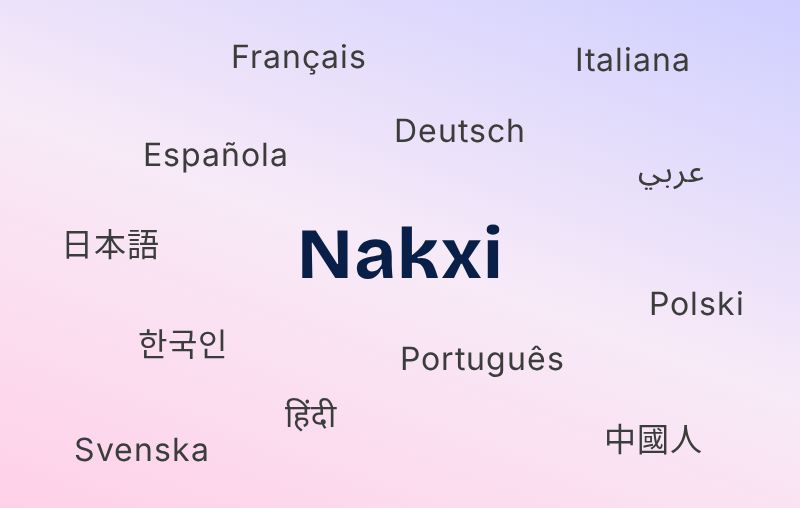
5. 🌍 Localization at Scale
Challenge: Adapting screenshot text, layout direction, and cultural context for multiple languages is time-consuming and error-prone. How to address it: Treat localization as a core step in your release workflow, not an afterthought. Even localizing your top 2–3 markets can meaningfully improve global performance. Nakxi’s one-click translation feature auto-adapts your screenshot text across languages — no separate design files needed.
6. 🧪 Continuous Optimization
Challenge: ASO is not a one-time task. It requires regular A/B testing, algorithm tracking, and ongoing updates. How to address it: Use native platform tools — Apple’s Product Page Optimization and Google Play’s Store Listing Experiments — to run controlled tests with real traffic. Nakxi makes generating test variants fast, so you can move from insight to live experiment in minutes rather than days.
❓ Frequently Asked Questions
What is the difference between ASO and SEO? SEO (Search Engine Optimization) improves a website’s visibility on search engines like Google. ASO does the same for mobile apps in the App Store and Google Play. Both rely on keywords, content quality, and user signals — but ASO also heavily involves visual elements like screenshots, icons, and preview videos.
How long does ASO take to show results? Most ASO changes take 1–4 weeks to reflect measurable changes in rankings or conversion rates, depending on the platform and the size of your update. Metadata changes (title, description, keywords) typically propagate faster than conversion improvements.
Does improving screenshots actually increase downloads? Yes. Screenshots directly affect your store listing’s conversion rate (CVR) — the percentage of page views that result in an install. Even modest CVR improvements compound significantly at scale. This is one of the highest-leverage changes you can make without increasing ad spend.
Do I need separate screenshots for App Store and Google Play? Technically no, but it’s recommended. The platforms have different dimension requirements and present screenshots differently in search results. Optimizing for each platform’s display logic tends to improve performance on both.
What is A/B testing in ASO? A/B testing (or store listing experiments) involves showing two different versions of your app listing — such as different screenshots — to separate groups of users to measure which performs better. Both Apple (via Product Page Optimization) and Google (via Store Listing Experiments) offer native tools for this.
📝 Conclusion
App Store Optimization is essential for sustainable app growth. It drives organic visibility, reduces marketing costs, and increases installs. Among all the factors you can control, optimizing your screenshots consistently delivers the highest impact per hour invested.
If your screenshots are confusing, outdated, or poorly formatted, you are giving your downloads to your competitors.
Ready to improve your conversion rates? Try Nakxi to create polished, high-converting app store screenshots — no design experience needed.